linecast
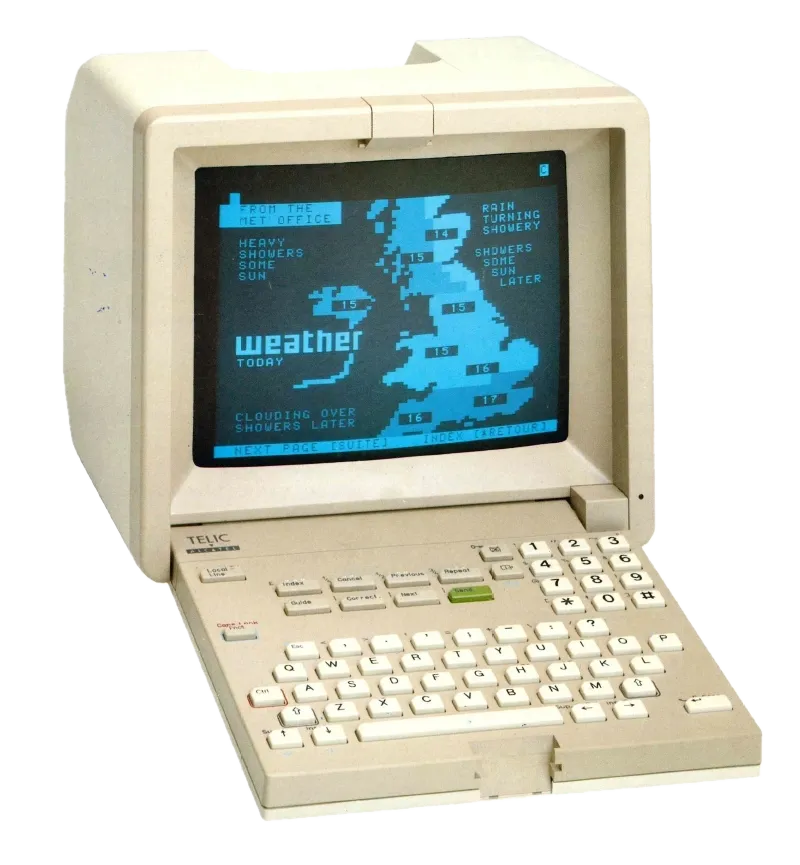
Weather, tides, the sun, the moon, maps, and a planetarium, in your terminal. The Old Farmer’s Almanac meets Minitel.
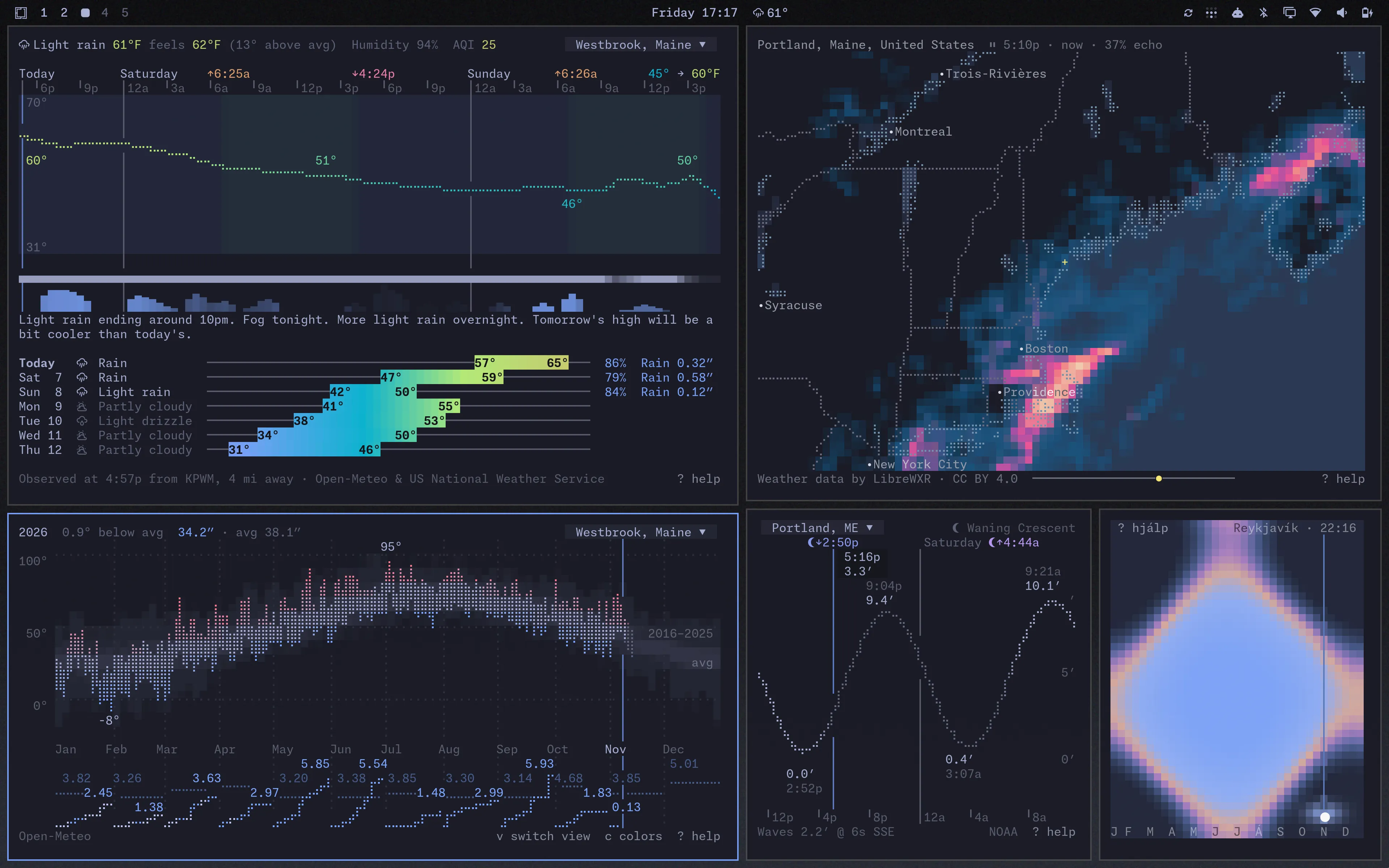
Seven live terminal apps built on free public data. Pure Python, with no accounts or API keys. The colors come from your terminal theme, and the mouse works. It runs on macOS, Linux, and Windows, over SSH, and in tmux.
Install
brew install linecast- Homebrew
uv tool install linecast- uv
uvx linecast weather- To try it without installing
pipx and pip work too, and there are community packages in the AUR and nixpkgs. linecast needs Python 3.10 or newer.
Then run linecast weather. Every command opens live; press ? for the keys.
The apps
linecast weather
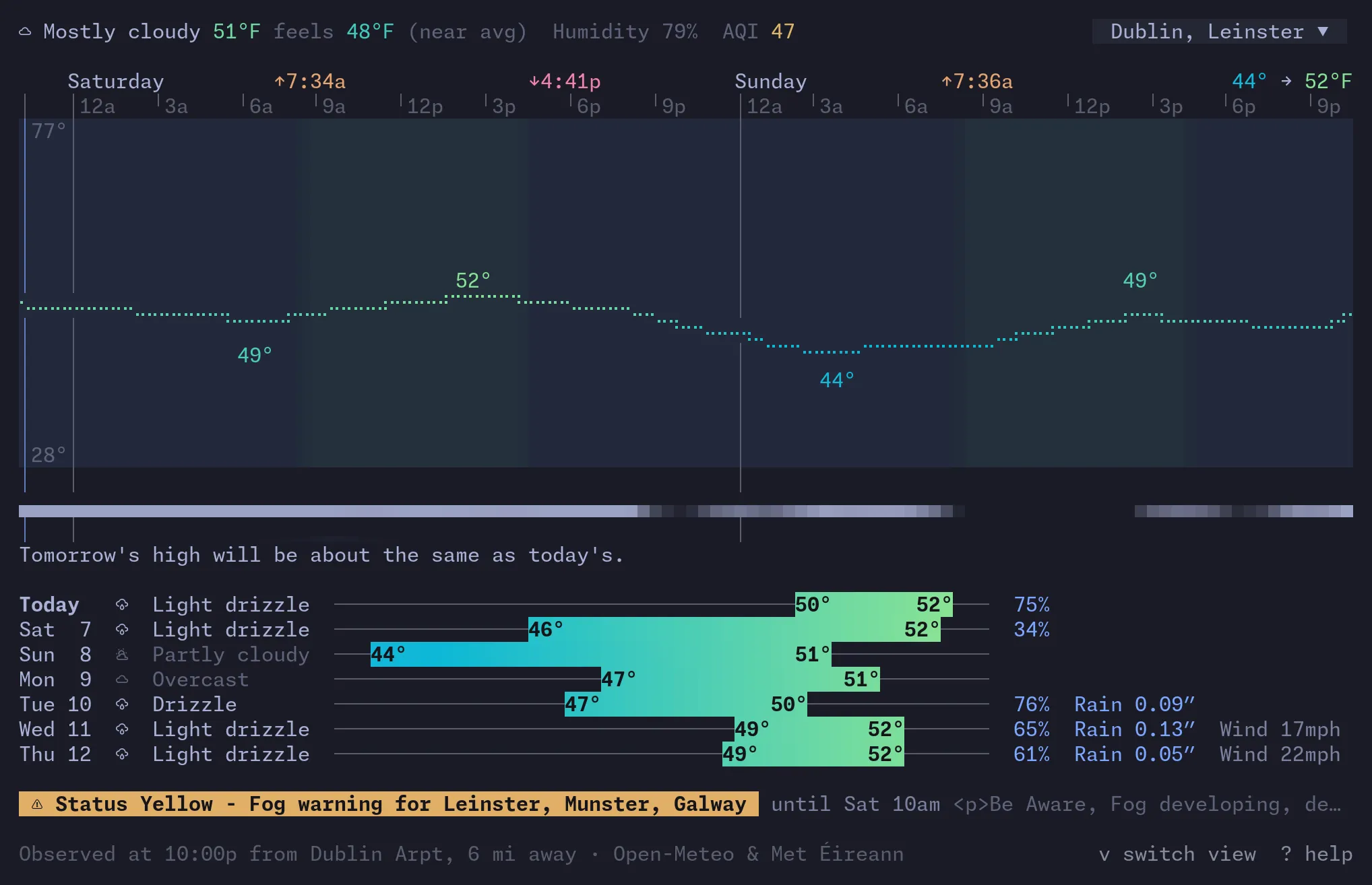
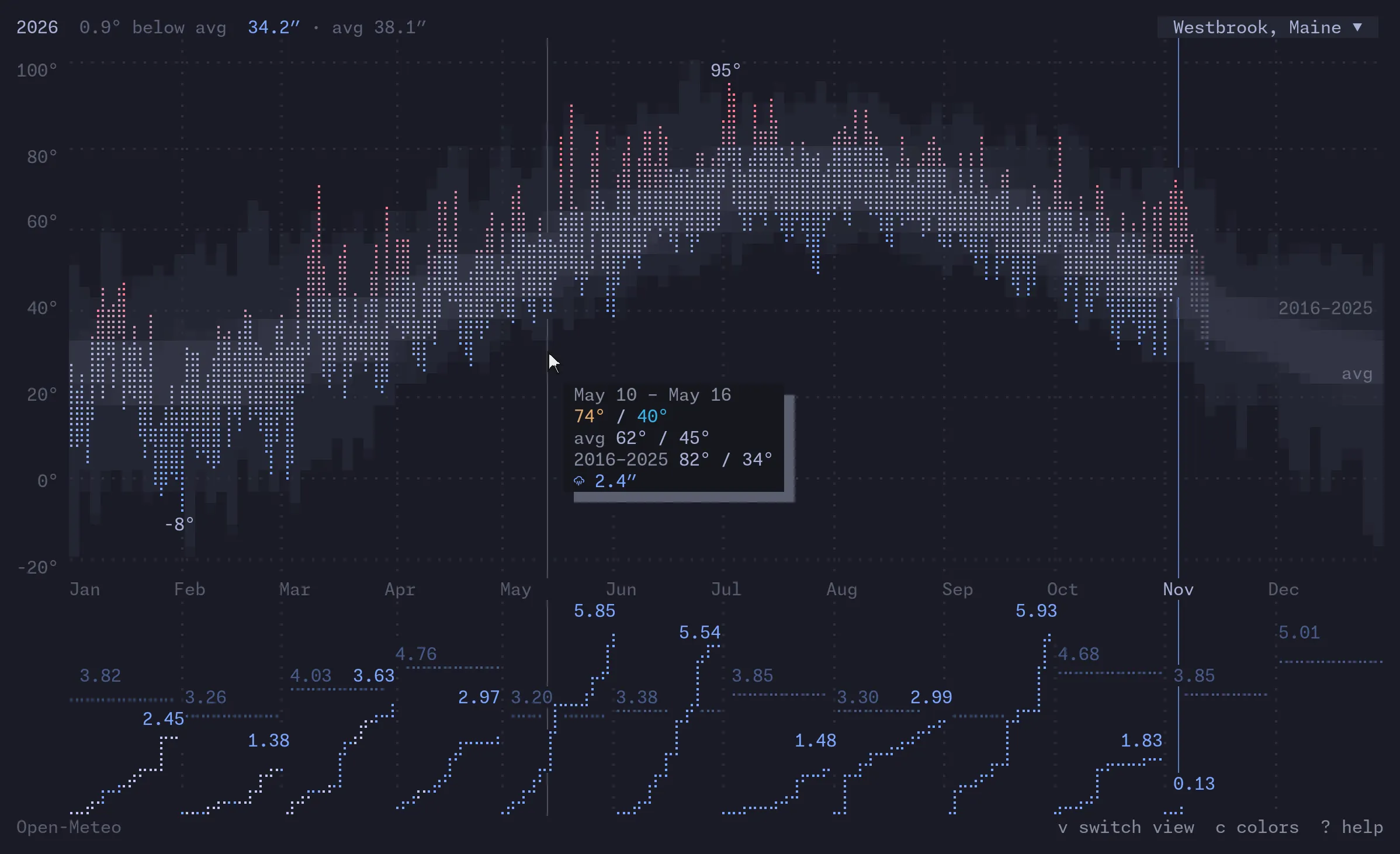
Current conditions and forecasts, official alerts for 46 countries, and month and year views of past weather.
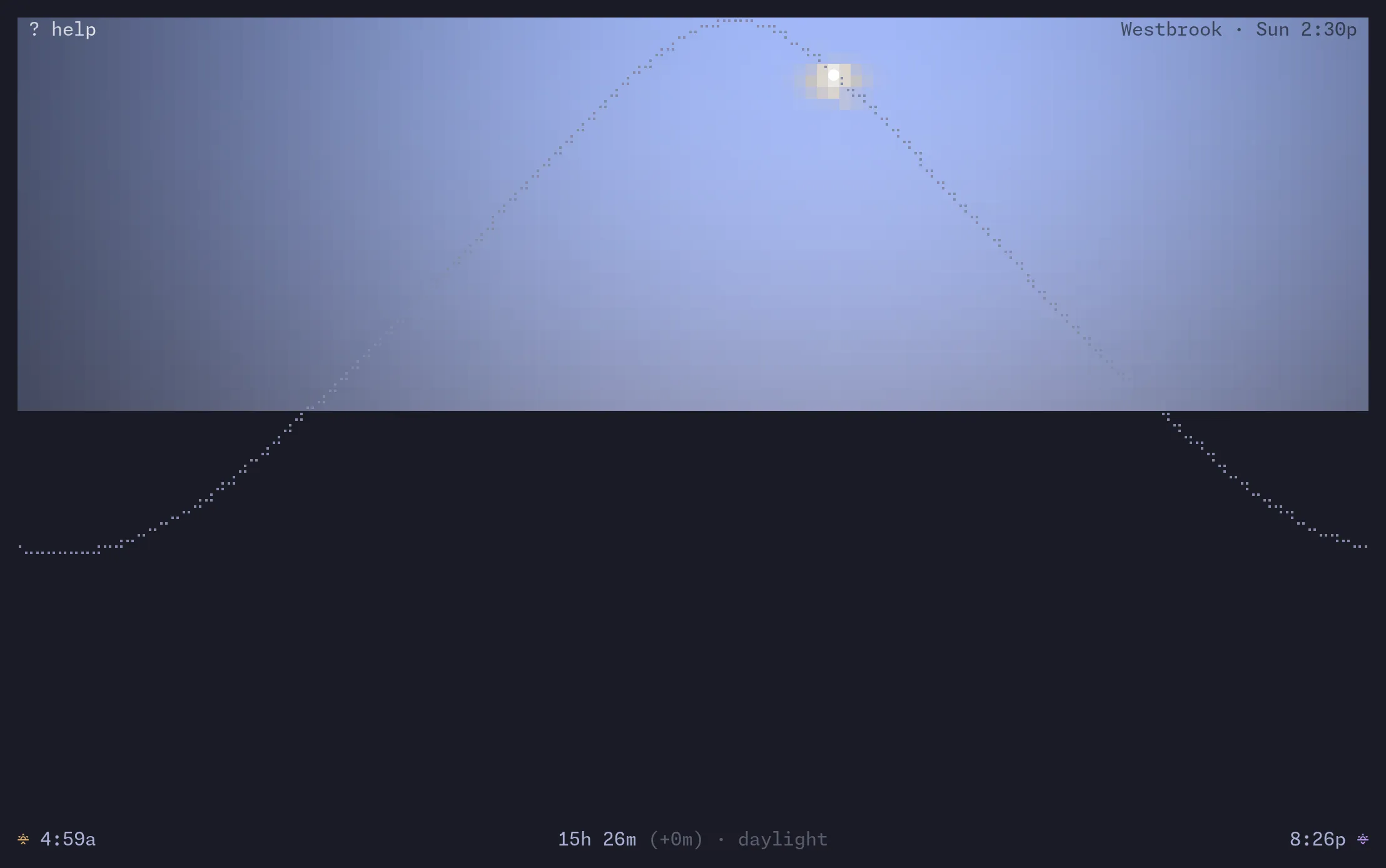
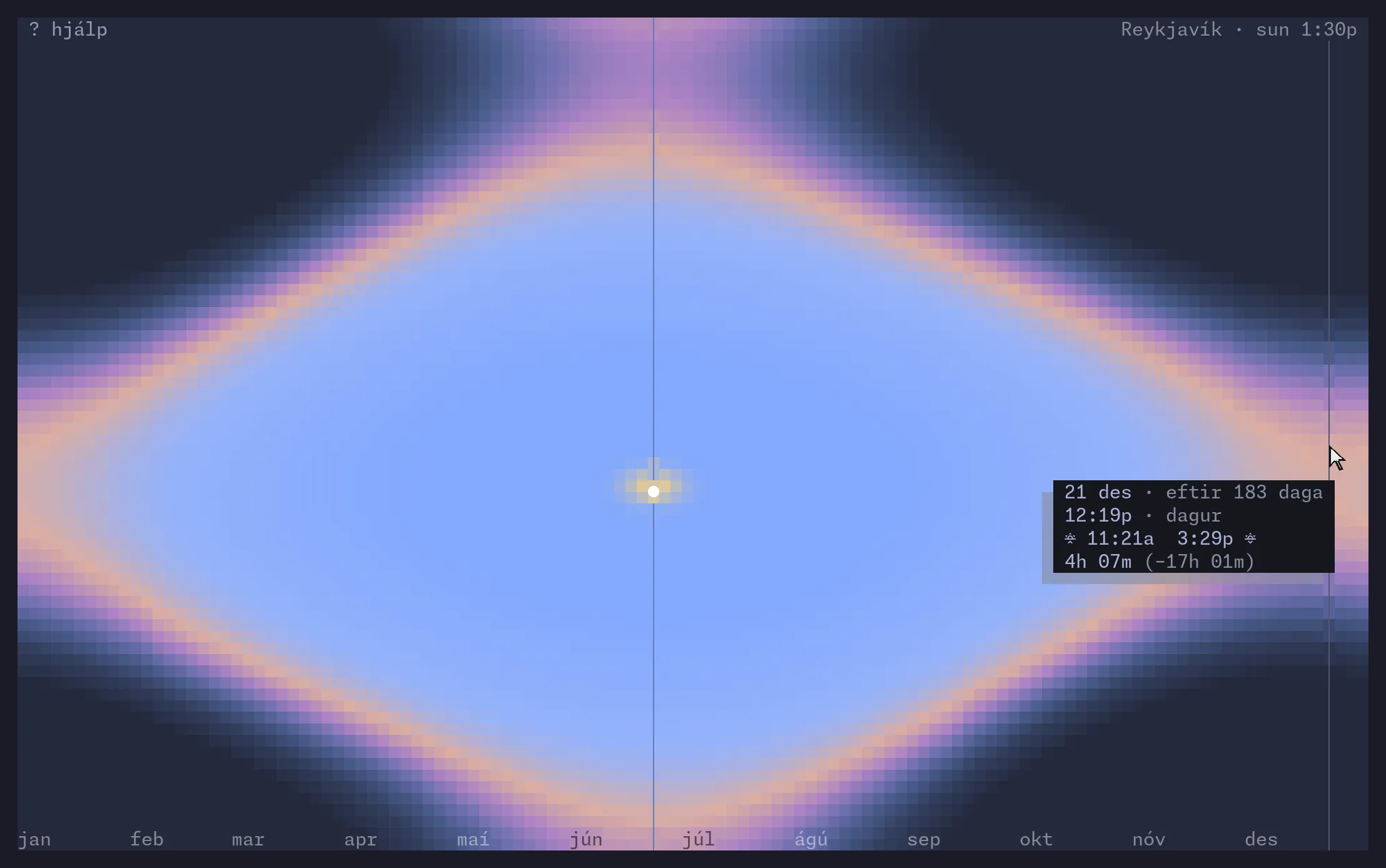
linecast sunshine
The sun’s path today, and daylight through the year.
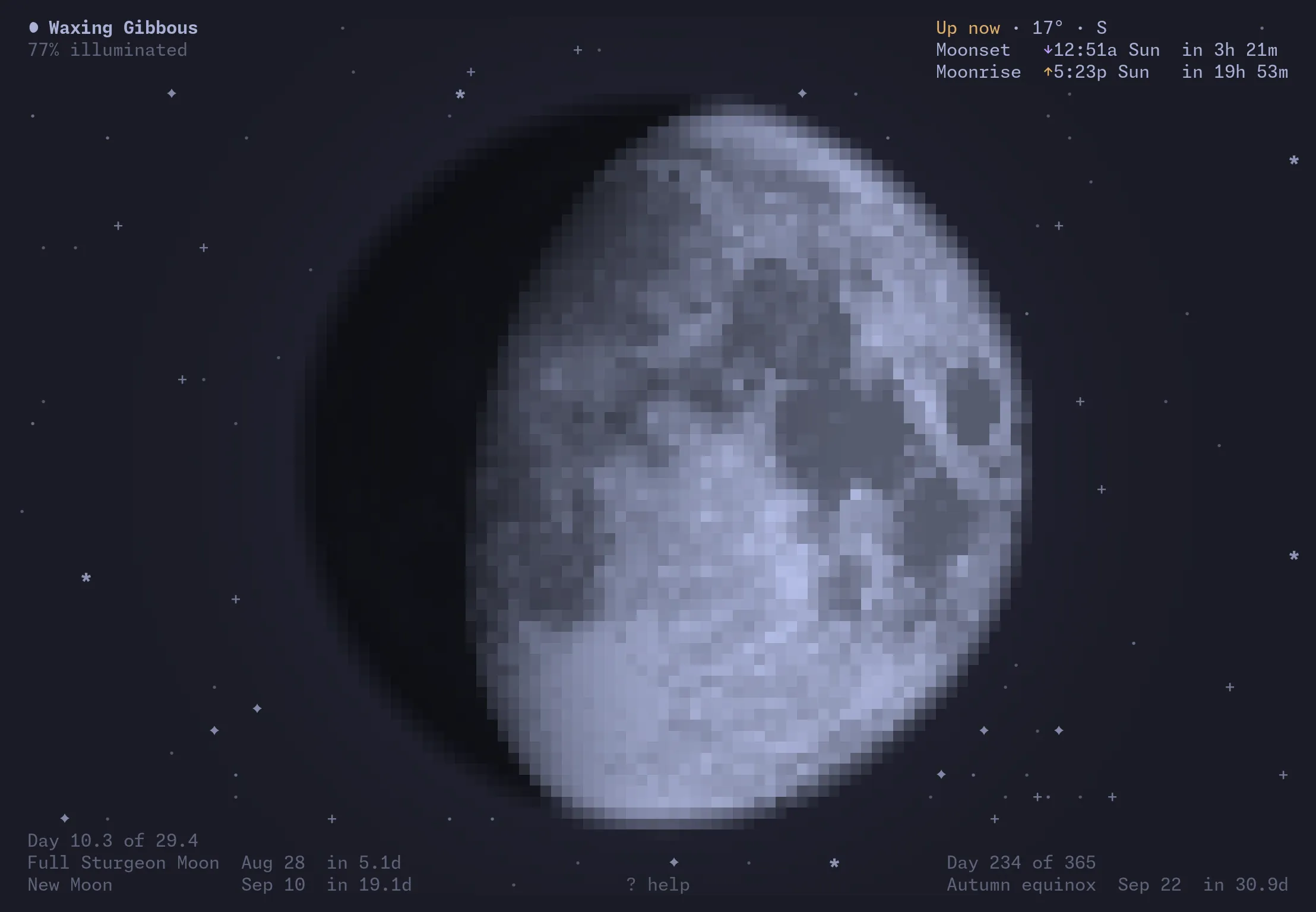
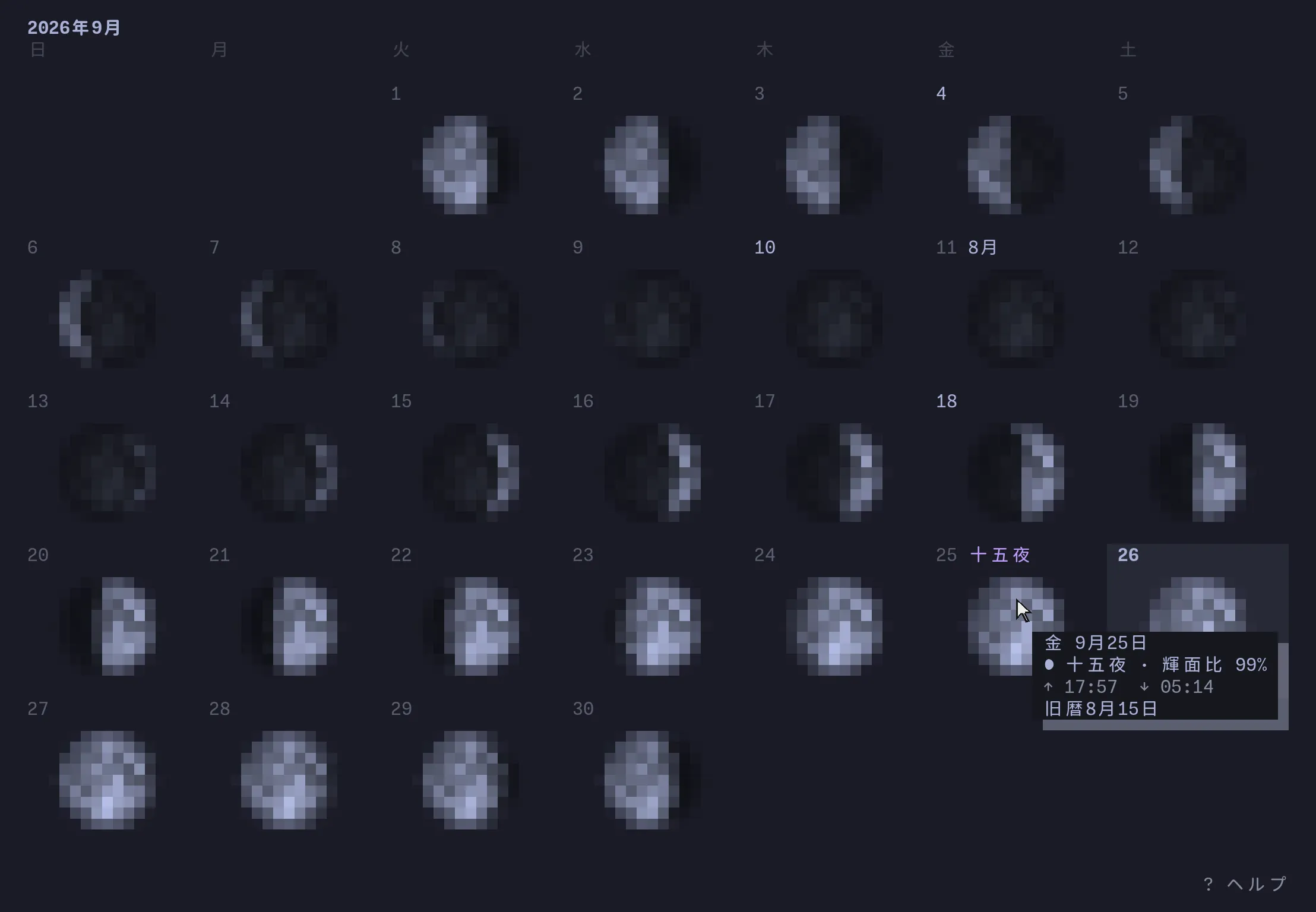
linecast moon
The Moon’s phase as you see it, with rise, set, and a month calendar.
linecast sky
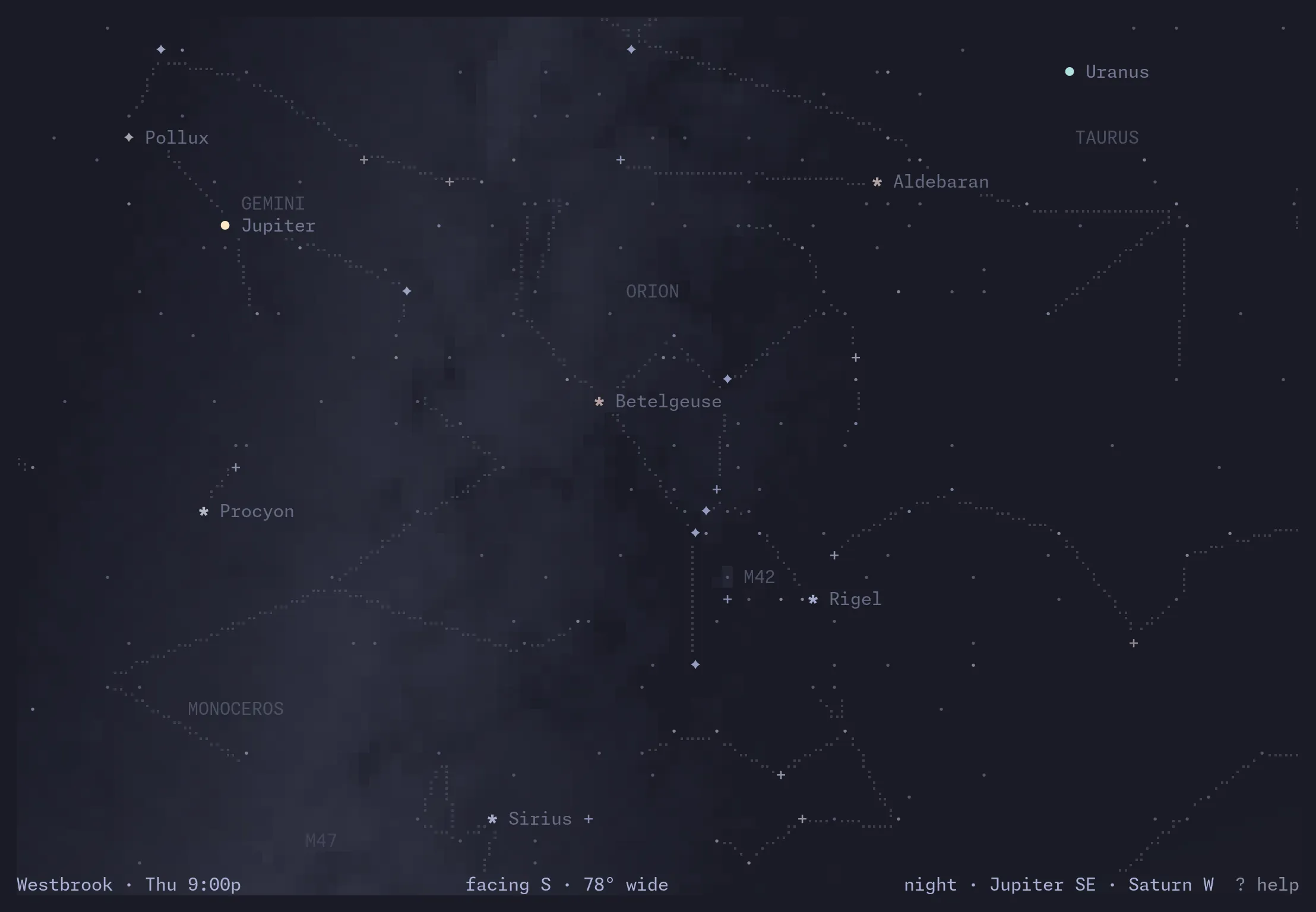
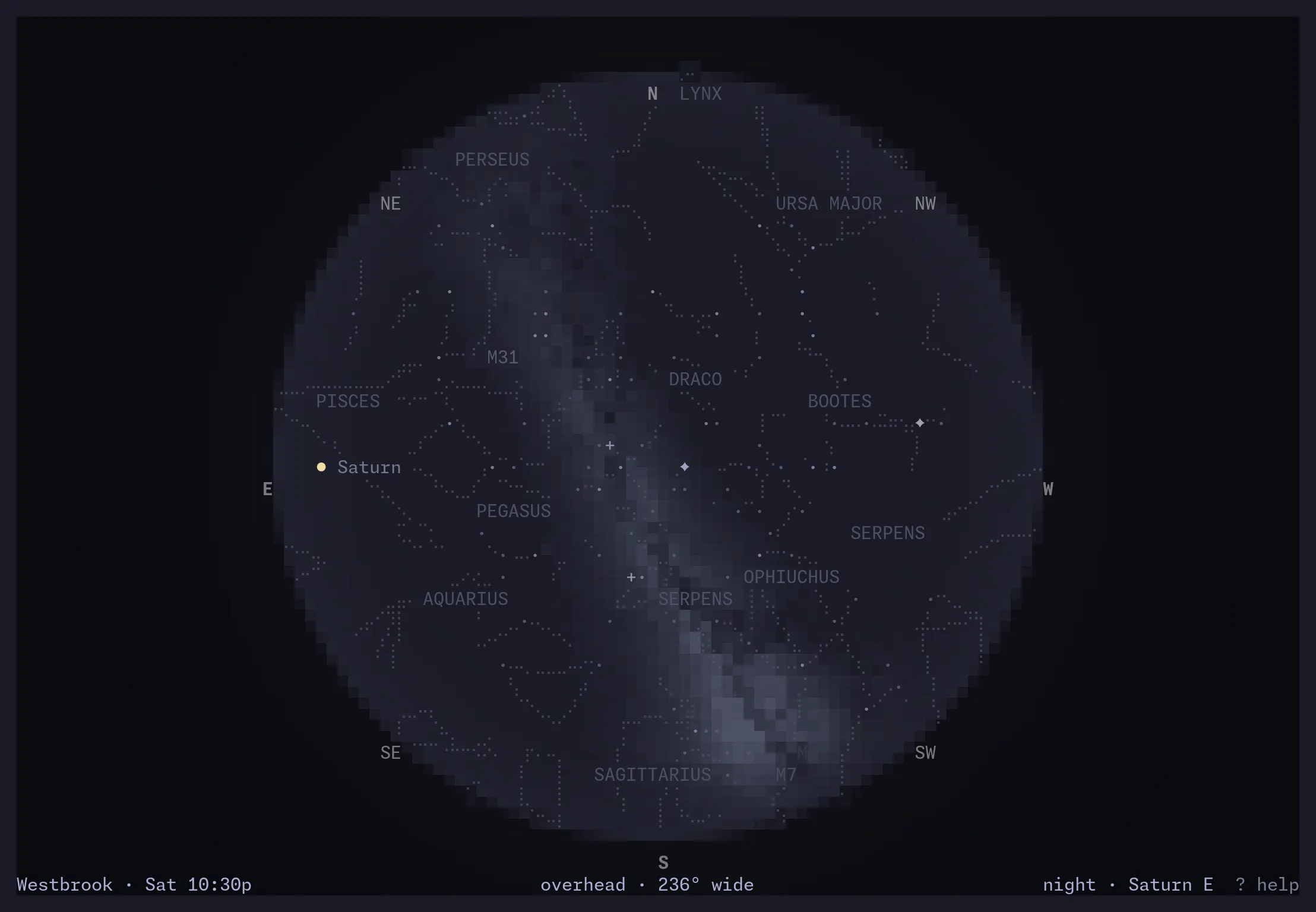
A planetarium: stars, constellations, planets, and the Milky Way over you.
linecast tides
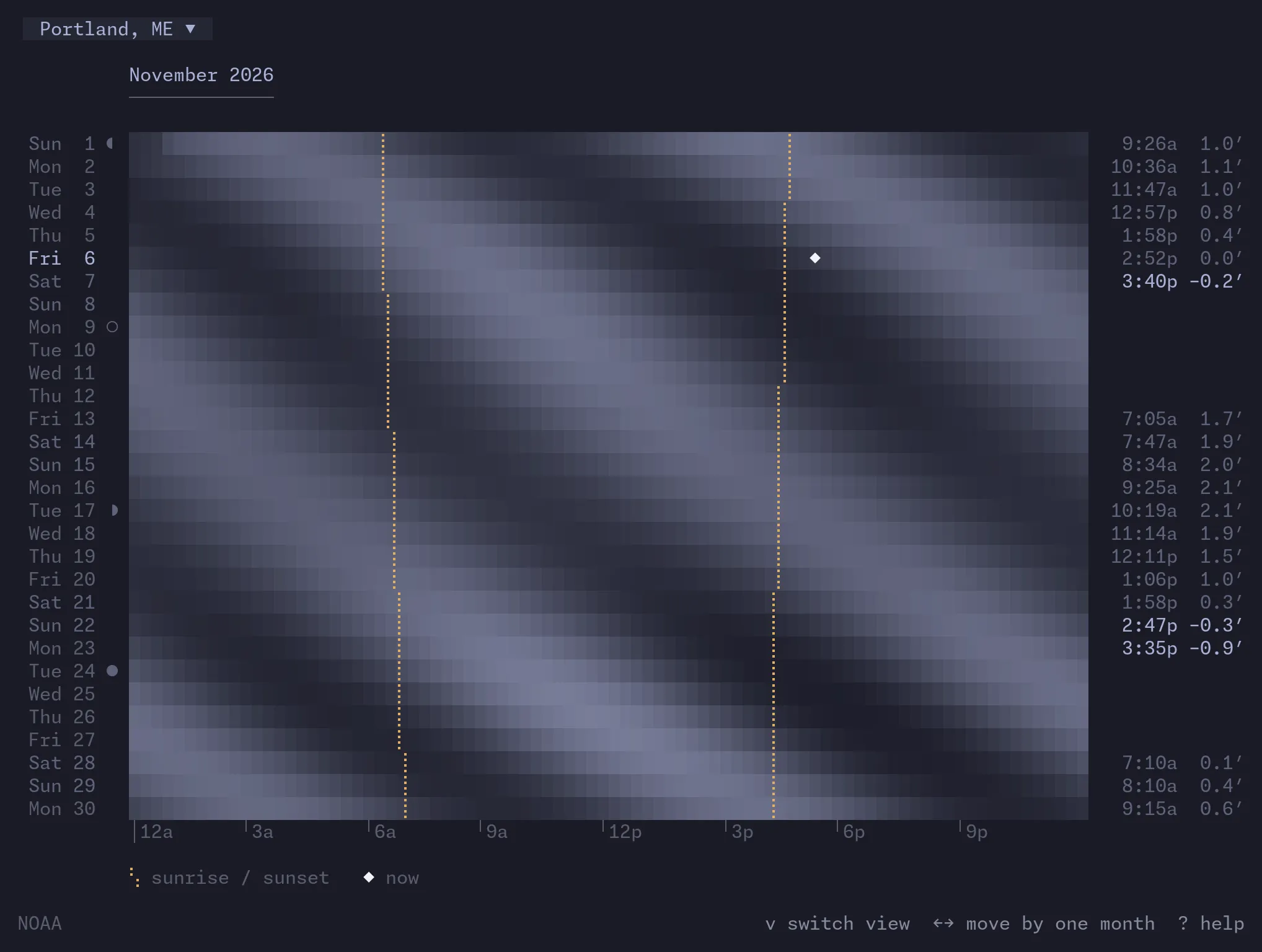
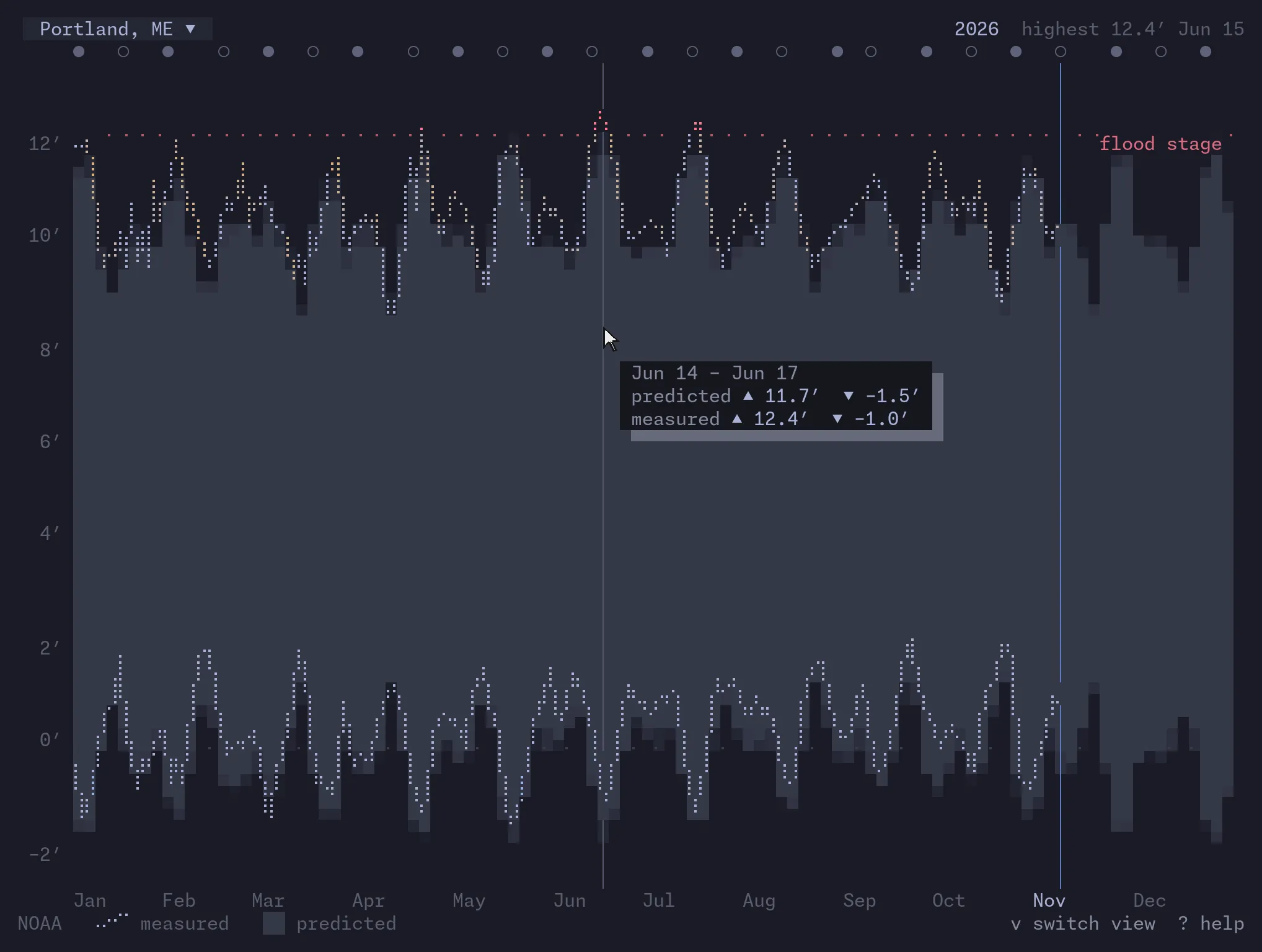
Local tides through the day, month, and year, and what moves them.
linecast radar
Animated weather radar for the whole world.
linecast maps
Street maps, terrain, directions, and a globe with live daylight and clouds.
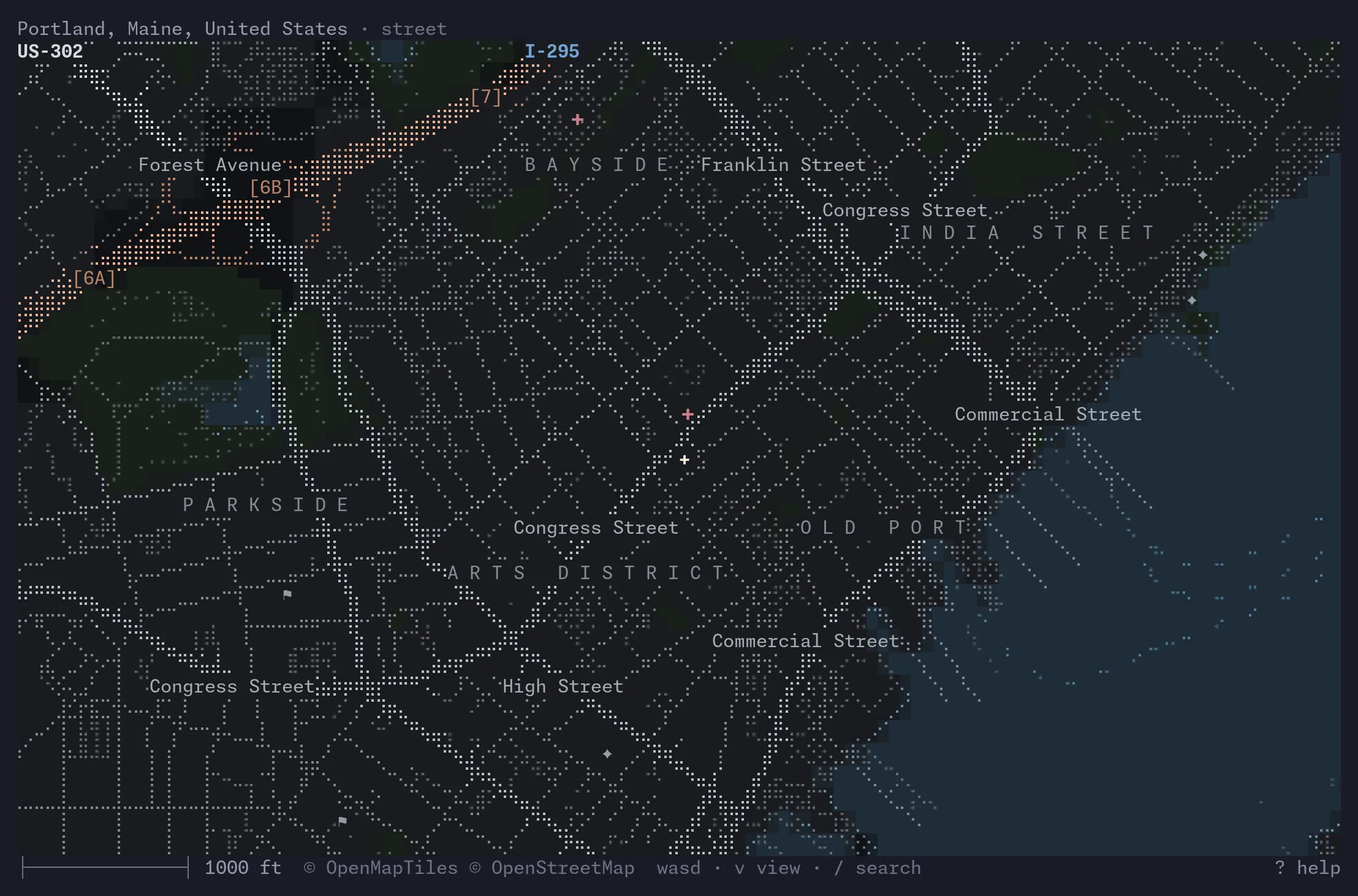
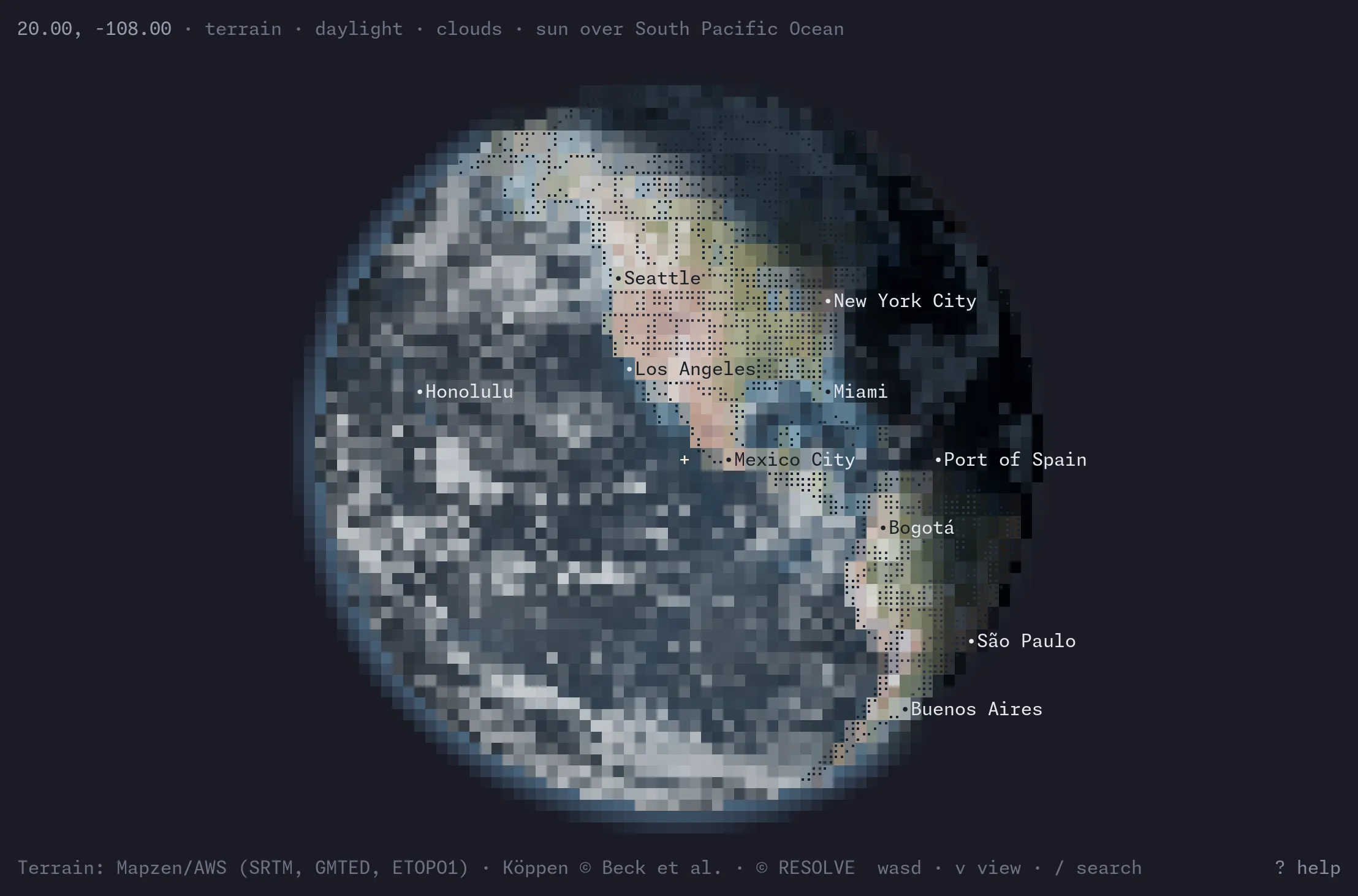
Your colors
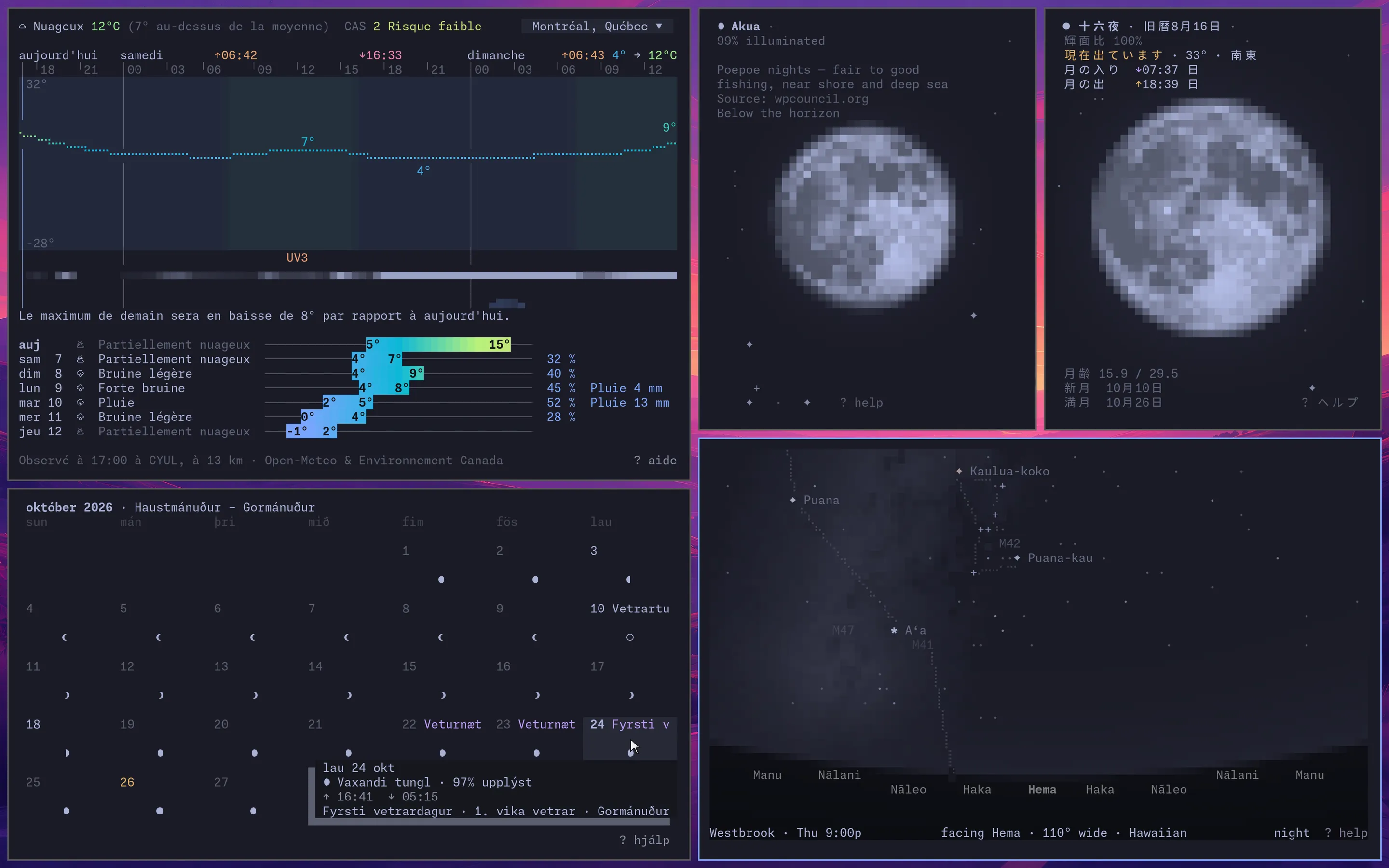
linecast takes its colors from your terminal’s color scheme. Change the scheme while an app is open and it redraws itself in the new ones.
Your language
It speaks more than thirty languages, and keeps other calendars, hours, and skies: the Moon by the Hawaiian or Chinese calendar, the day in Roman or Japanese hours, the stars as 22 cultures have drawn them.
The rest
Settings, keys, and data sources are in the README, and there are more pictures in the gallery. Questions and ideas are welcome in Discussions.
linecast is free and open source, under the MIT license. It’s made by Andrew Shuttleworth Fowler in Westbrook, Maine.